
Products, not variants
Every variant is a separate product with its own price, stock, photos and description, which standard OkayCMS variants cannot do.
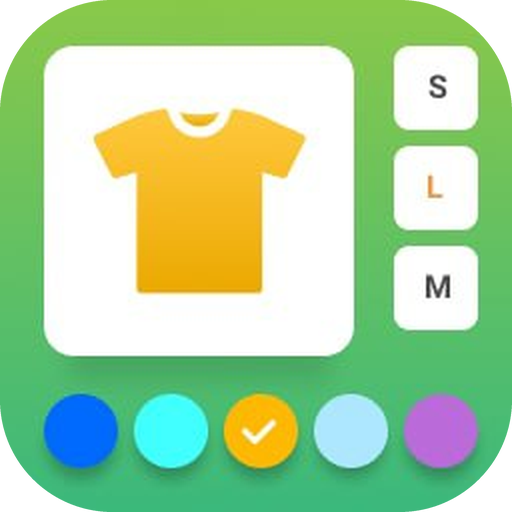
Joins separate products into a group so they look like one product with many variations: color, memory size, dimensions. A customer switches between variants in one click, while each variant stays its own product with its own description and search engine indexing.
Every variant is a separate product with its own price, stock, photos and description, which standard OkayCMS variants cannot do.
On the product page: thumbnails of neighboring products, buttons for property values (memory, size) and color dots. Any number of grouping properties.
Each variant’s color is set with a palette, a HEX code or an eyedropper. For a gradient or a mix of colors, use a thumbnail image.
A click on a value leads to the best match given what is already chosen. Out-of-stock variants are crossed out and a missing combination shows a hint.
Create groups by hand or automatically from the shared part of product names.
A page without chosen values shows a price range and asks to pick a variant instead of letting the buyer add to cart.
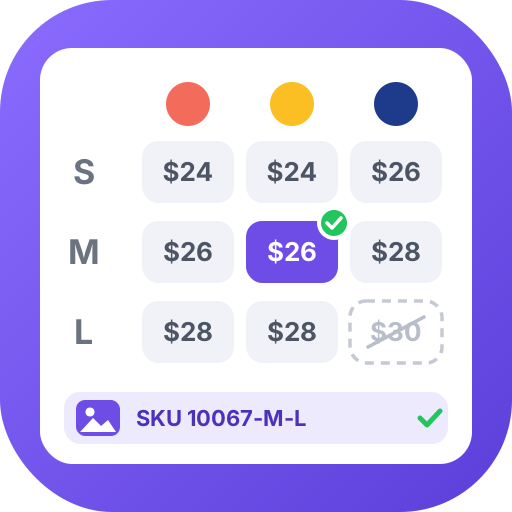
Product variants, for example color, size, material and so on, as buttons, with a photo for every combination.
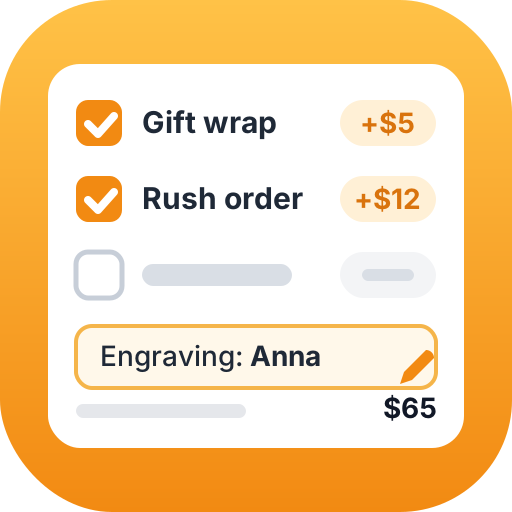
Extra options on the product page, for example paid checkboxes, engraving text, a delivery date and more.
A “Similar products” tab on the product page: items close by price and properties.

Manual “new” selection: you choose the new items yourself and they get a sticker.

Random best sellers on a schedule: cron refreshes the top products selection for you.