
Vitalisoft

Sales Notification WidgetNEW

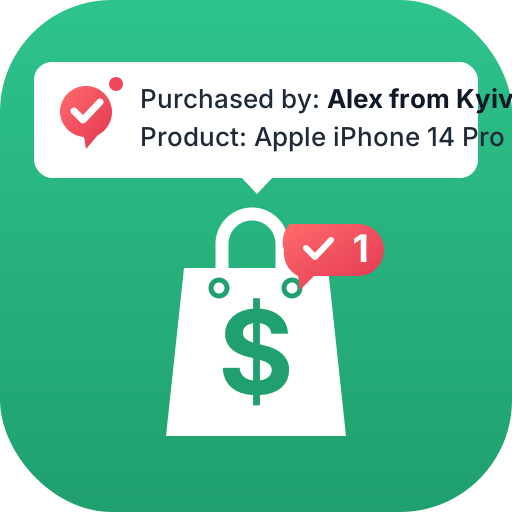
Recent purchase pop-ups on every page of your store: who bought what and from where. Visitors see the store is active and products are selling - and buy with more confidence.

Price on request

Features

Real orders

Pop-ups from your store’s actual orders over the last 7–365 days with the statuses you choose: the purchased product, the buyer as “Emma W.”, “Emma” or anonymous, delivery city and real time. Phone, email and address are never shown or stored.


Popularity summaries

“12 people bought this item this week” pop-ups based on real orders - with a minimum number of buyers and your own text for every site language.

Custom notifications

Any text, image and link: a sale, free shipping, a new arrival. They are mixed in with purchases.

Languages and countries

Texts for every site language with name, city and product placeholders. In the English version Ukrainian names and cities are transliterated: “Olha K. from Kyiv”.

Matches your design

Six screen positions plus a separate one for mobile, four animations, light, dark or custom theme. Product photo, time, button and badge can each be turned on or off.

Never annoying

First delay, duration and interval, a per-visit limit and no repeats of the same product. Hidden in the cart, checkout and account pages.

More features

  • Product filters: categories, brands, price, stock, featured, on sale, best sellers and products that are always shown
  • Delivery city from Nova Poshta or the order address; the address itself is never shown
  • A click on the pop-up opens the product page, optionally in a new tab
  • Generated purchases - a separate mode where the module builds pop-ups from catalog products with your choice of buyer gender, time and cities in Ukraine or the visitor’s country; use it alongside real orders or on its own
  • The sequence continues across pages - no new delay on every page
  • Close button and swipe on mobile; once closed, no more pop-ups for the rest of the visit
  • Custom CSS with documented classes for fine-tuning

How to connect

Three steps in the website admin panel - the widget appears on every page by itself.

  1. SourcesTurn on real orders, generated purchases or custom notifications - separately or together - and set product filters.
  2. LookChoose position, theme, animation and texts - with a live preview for desktop and mobile.
  3. DisplaySet timing, pages and devices, then save - no need to add a tag to your template.
Still have questions about the module?Write to us on Telegram and we will answer.
Ask a question

Other modules

Want purchase notifications on your site?

Write to us - we will help install and set up the module.

Write to us

Choose whichever is more convenient.

Telegram Email